Version 4.9g |
![]() | ![]() | | ||||
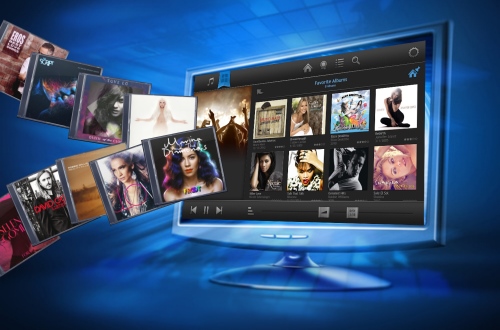
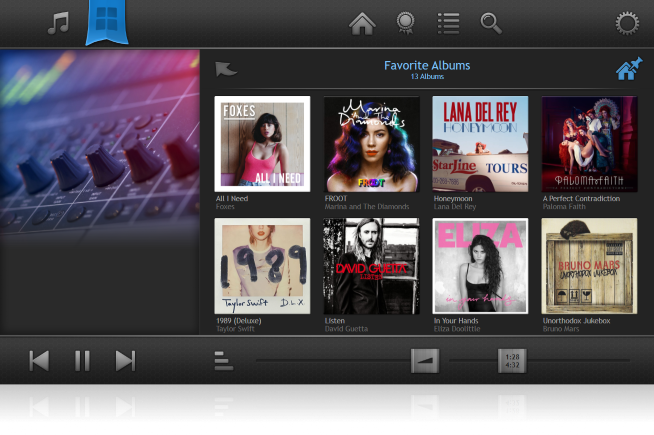
• Browse your covers to play an album. |
||||||
• Connect to the internet to get covers and album infos. |
||||||
• Enjoy Database Shuffle (also known as Autocue). |
||||||
• Use Replay Gain to listen all songs at one vol. level. |
||||||
• Adjust frequencies with the equalizer. |
||||||
• Winamp DSP plugins can be attached. |
||||||
• Directly connects to Last.fm (no plugin needed). |
||||||
• Native ASIO support for Audiophile. |
||||||
• Configurable Party Mode to disable functions. |
||||||
Order once and get updates forever ! |
![]() | ![]() | |||||
- Just drag an album to the left side to add it to the playlist and play it. |
||||||
- The AlbumPlayer supports WMA, MP3, OGG, FLAC, WAV, WavPack, MusePack, |
||||||
OptimFROG and the APE format. |
||||||
- Open the booklet of an album to display its tracks and select them to play. |
||||||
- Tracks can be added to the playlist by drag&drop (also from your file explorer). |
||||||
- You can easily save and load the playlists you created. |
||||||
- Albums are shown in collections created by the user or based on album attributes. |
||||||
- Multiple crossfade modes / equalizer / replay gain and playlist shuffle. |
||||||
- Database Shuffle mode (Autocue), automatically plays tracks based on user criteria. |
||||||
![]() | ![]() | |||||
- The AlbumPlayer offers a Collection Editor to easily organize your albums. |
||||||
- Albums are added by disc scanning. You can exactly tell the Collection Editor what |
||||||
kind of structure you use to store albums on your computer in order to make sure |
||||||
that artist- and albumnames are imported correctly. |
||||||
- Once imported albums can be added to custom collections. These collections are |
||||||
displayed in the AlbumPlayer main window. |
||||||
- You also can organize single tracks and put them together in track collections. |
||||||
- Covers, song titles and album infos can be read from your files or from the internet. |
||||||
- You can specify a range of filenames for the cover lookup of your directories. |
||||||
![]() | ![]() | |||||
- You can easily change the colors of the main window as well as all fonts. |
||||||
- You can replace every single button and image that the AlbumPlayer displays |
||||||
in order to create your very own skin. |
||||||
- An easy-to-use skin editor lets you change the appearance in no time. |
||||||
- Each skin is located in a seperate directory, so skins are easy to share with |
||||||
other users. |
||||||
- You can download the standard set of skins here. |
||||||
![]() | ![]() | |||||
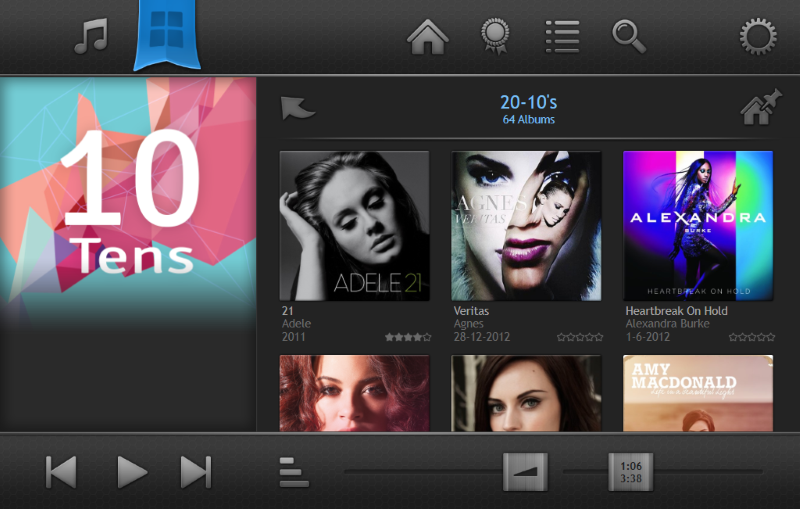
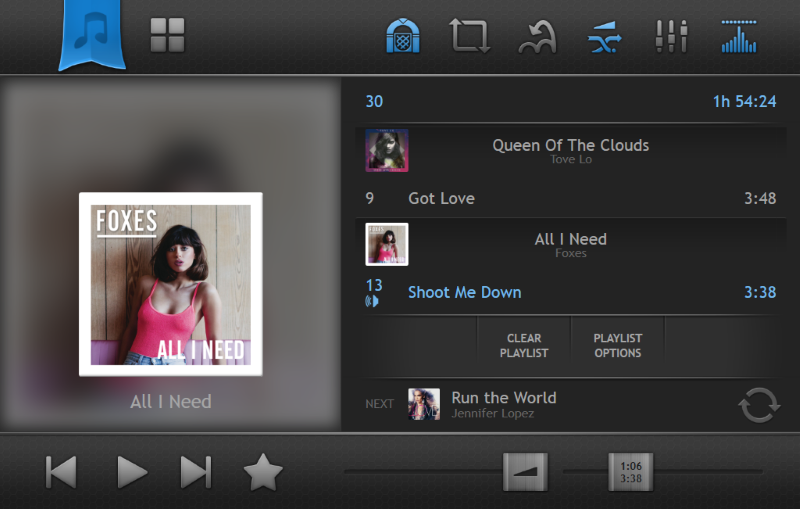
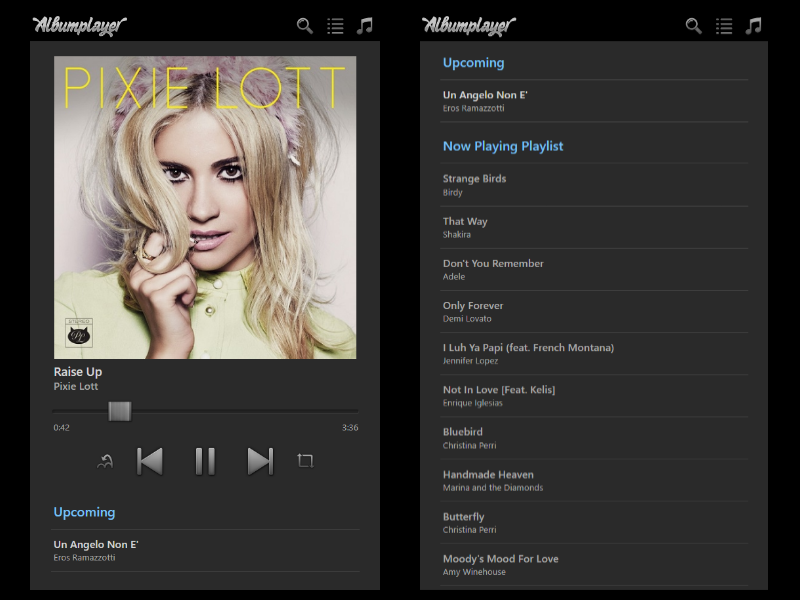
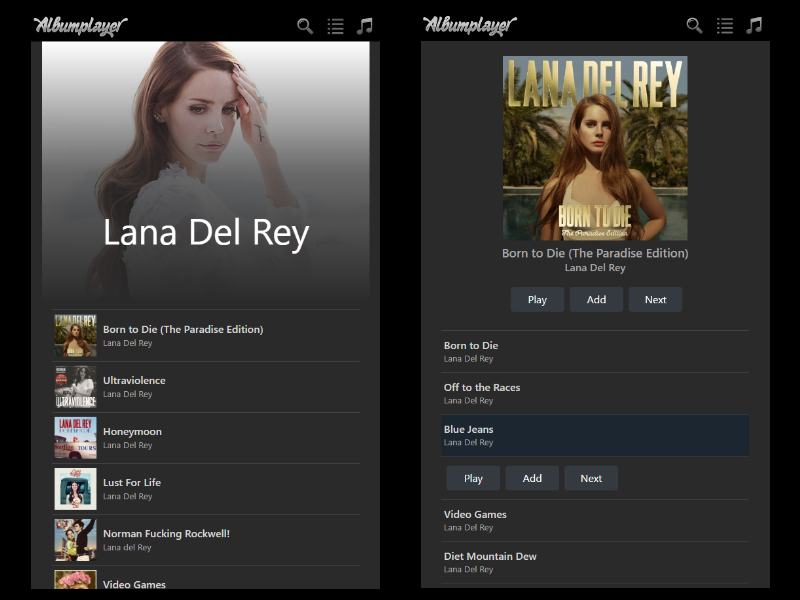
- For those of you, who use a touchscreen to select your favourite music, the |
||||||
AlbumPlayer includes a modern and intuitive touchscreen interface, that comes |
||||||
with large controls to have your music right at your fingertip. |
||||||
- You can configure single- and double-click-actions right the way you need them. |
||||||
- Focus lies on easy creating and editing of your playlists. |
||||||
- Works with screen resolution of 800 x 480 or higher. |
||||||
- Check out TouchscreenPlayer.com for screenshots and a demo video. |
||||||
![]() | ![]() | |||||
- Last.fm from the team that designed the Audioscrobbler system, is a music engine |
||||||
based on a massive collection of Music Profiles. Each profile belongs to one person. |
||||||
Last.fm uses these music profiles to make personalized recommendations, match |
||||||
you up with people who like similar music, and generate custom radio stations. |
||||||
- Your profile page on Last.fm is automatically updated whenever you listen to music. |
||||||
- Read more about it at last.fm. |
||||||
![]() | ![]() | |||||
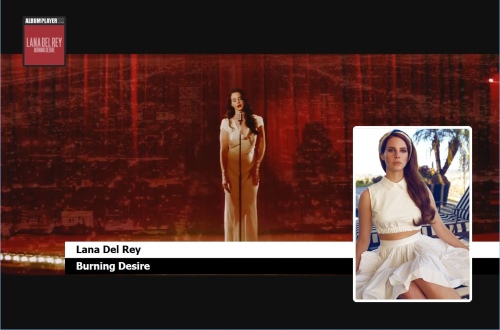
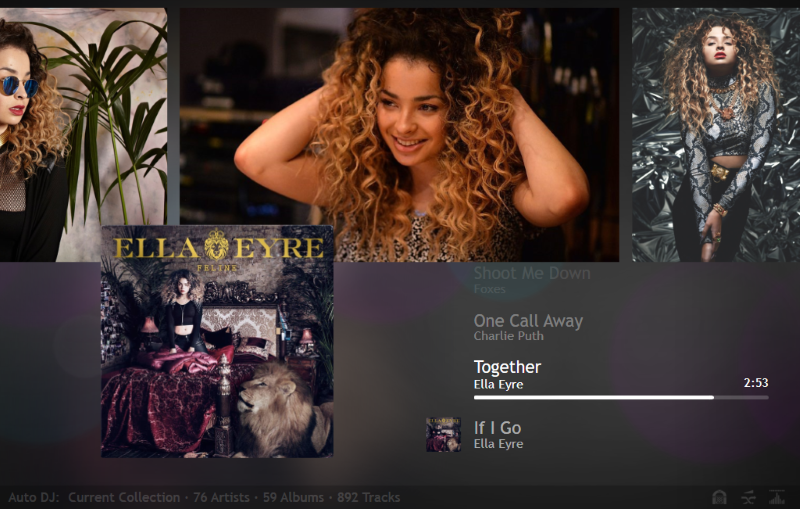
- Albumon, in friendly cooperation with CloseToSoftware, offers interactive |
||||||
screensavers, that show the cover of the currently playing album in a pseudo- |
||||||
realistic environment or on other backgrounds. |
||||||
- You can even design your own screensaver! |
||||||
- Download and get more information in the Add-On section. |
||||||
![]() | ![]() | |||||
- With a few clicks the AlbumPlayer creates a directory with selected albums ready |
||||||
to be burned on CD. |
||||||
- An HTML index is generated listing all the albums on the CD. |
||||||
- An autorun file is generated which launches the HTML file when the CD is inserted. |
||||||
- Complete your collection CD with your covers generated by the AlbumPlayer. |
||||||
- You can adjust colors, fonts and lot of other settings to give your cover a |
||||||
personal look. |
||||||
- In a preview window the results of user adjustments are immediately shown. |
||||||
![]() | ||||||
![]() |
||||
© 2002-2007 Albumon |
||||